Creating your account
EVRYTHNG Enterprise Customer Support Portal is accessible only through an invitation
EVRYTHNG Support Team is responsible for inviting new users to the portal
As soon as a member of the EVRYTHNG Support Team adds your email address to the portal, you will receive a welcome email from jira@evrythngcloud.atlassian.net with a sign-up link included.
By clicking on the sign-up link you will be transfer to “Account Creation” landing page, where you will need to fill a form (refer image below) with the following fields:
Your full name
Your preferred password
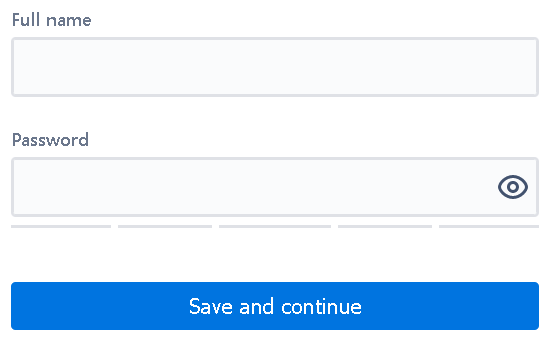
Please fill the form and click “Save & Continue“.
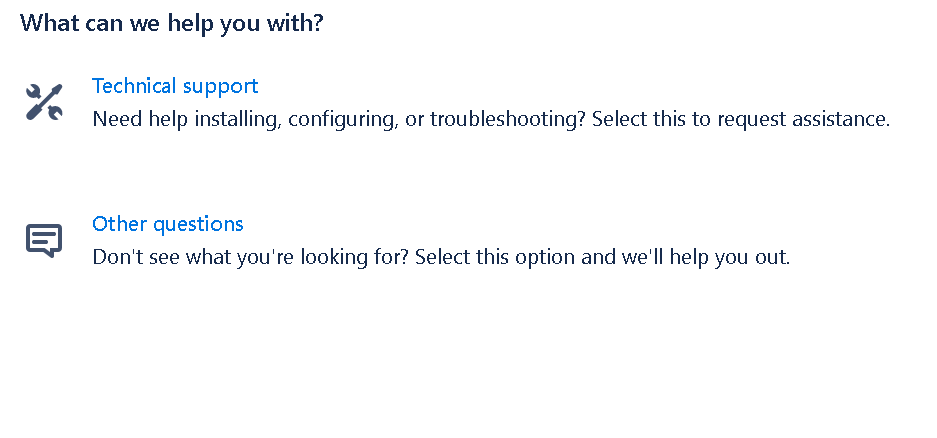
Upon successful account creation, you will redirected to Customer Support Portal main page that looks like below.